A ransomware attack on a single-dentist practice in the U.S. can encrypt every patient record, lock your scheduling software, and shut down your chairs for days — and the average healthcare data breach now costs small practices hundreds of thousands of dollars before you count the HIPAA fines. The cybersecurity solutions for dental practices that actually work look nothing like the consumer antivirus tool running quietly on your front desk computer.
Why Dental Practices Are a Prime Target for Cybercriminals
Dental offices are high-value targets because they store protected health information (PHI) — individually identifiable health data regulated under HIPAA — inside practice management software like Dentrix and Eaglesoft, process payment card data, and almost never have a dedicated IT security staff member watching for threats.
Why Small Practices Are Easier Targets Than Hospitals
Ransomware-as-a-service groups — criminal organizations that license ransomware tools to affiliates in exchange for a cut of the ransom — specifically hunt healthcare small businesses because defenses are weaker and downtime pressure is immediate. A hospital can fail over to paper records; a two-chair practice cannot run a day without its scheduling and charting software.
The Phishing Invoice Scenario
The most common entry point is a phishing email designed to look like a dental supply invoice from a familiar vendor. A front desk staff member opens the attachment, and within minutes ransomware begins encrypting the Dentrix or Eaglesoft database, digital X-ray images, and every file on the network. By the time anyone notices, recovery without a clean backup takes days — or is impossible without paying the ransom.
HIPAA Cybersecurity Requirements Every San Diego Dentist Must Meet
The HIPAA Security Rule requires dental practices to implement specific technical safeguards for electronic protected health information (ePHI): access controls that limit who can view patient records, audit logs that track who accessed which records and when, encryption of ePHI both at rest and in transit, and a written risk analysis completed and updated regularly.
California's Additional Layer: The CMIA
California's Confidentiality of Medical Information Act (CMIA) adds state-level liability on top of federal HIPAA requirements. A breach that triggers a HIPAA investigation from the HHS Office for Civil Rights (OCR) — which has penalized dental practices specifically — can simultaneously expose a San Diego practice to CMIA claims and patient lawsuits. Understanding the full scope of healthcare IT compliance requirements is not optional for California dentists.
Break-Fix Shops vs. Compliance-Aware Managed Providers
A break-fix IT shop — one that responds only when something breaks — has typically never performed a formal HIPAA risk analysis and has no process for maintaining audit logs or verifying encryption settings. A compliance-aware managed cybersecurity provider documents your risk posture, keeps controls current, and produces the written evidence OCR expects to see during an investigation.
The Core Cybersecurity Solutions Every Dental Practice Needs
Effective managed cybersecurity services for a dental practice are not a single product — they are a layered stack of controls, each closing a specific attack path that dental offices face daily.
- Endpoint Detection and Response (EDR): EDR on every workstation — including digital X-ray and cone beam CT computers — catches ransomware behavior at the process level, stopping encryption before it reaches the Dentrix or Eaglesoft database. Consumer antivirus products do not provide this capability.
- DNS Filtering: DNS filtering blocks a staff member's browser from reaching a malicious site before any content loads, intercepting the connection at the domain lookup stage. This stops drive-by malware downloads triggered by lookalike dental supplier websites.
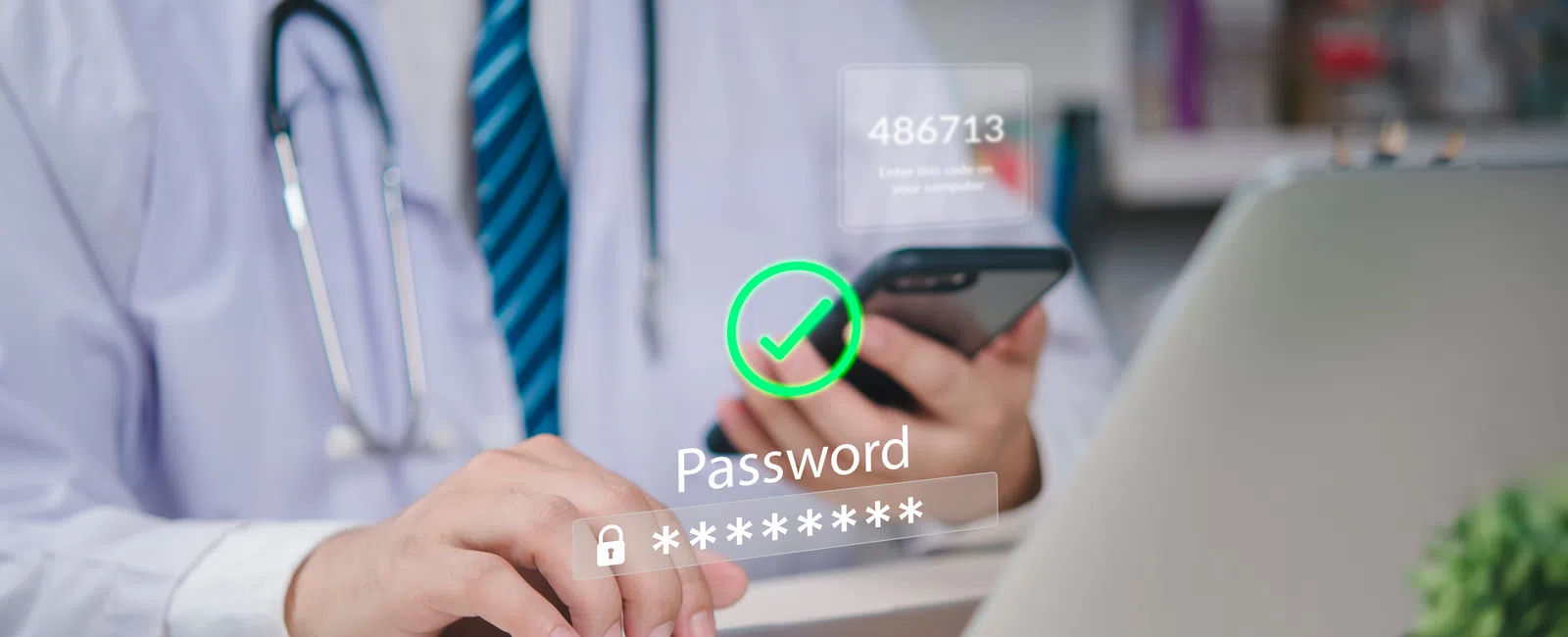
- Multi-Factor Authentication (MFA): MFA requires a second verification step — typically a push notification to a phone — on email, VPN, and practice management software logins. A stolen password alone cannot open the door to patient records when MFA is enforced.
- Email Security with Anti-Phishing and Impersonation Detection: Dental staff receive high volumes of emails from insurers, suppliers, and labs — exactly the senders attackers impersonate. Email security tools inspect message headers, sender domains, and content patterns to flag spoofed invoices and fraudulent EOB attachments before they reach the inbox.
- Dark Web Monitoring: Dark web monitoring scans criminal marketplaces for staff email addresses and credentials leaked in third-party breaches. When a match surfaces, the practice can force a password reset before an attacker uses those credentials to log into the patient portal or billing system.
Data Backup and Ransomware Recovery: What Dental Offices Get Wrong
The single most common backup failure in dental practices is storing the only backup on a local NAS (network-attached storage) device connected to the same network as the workstations. When ransomware encrypts the practice, it encrypts the NAS backup too — leaving nothing clean to restore from.
The 3-2-1 Backup Rule Applied to Dental Data
The 3-2-1 backup rule means keeping three copies of data, on two different media types, with one copy stored offsite or in the cloud. For dental practice data backup and recovery, this means Dentrix, Eaglesoft, or Carestream data must exist in an immutable, air-gapped copy — one that ransomware cannot reach and cannot modify even if it owns the local network.
Recovery Time Objective (RTO)
Recovery time objective (RTO) is the maximum time a practice can tolerate being offline before financial and clinical harm becomes severe. A well-architected backup strategy targets an RTO measured in hours, not days, getting chairs running again the same day an attack is contained. Broader disaster recovery planning ties backup architecture to a documented response process so staff know exactly what to do when an incident occurs.
Employee Security Awareness: Your Dental Team Is Your First Line of Defense
Human error is the most exploited attack vector in healthcare small businesses. Phishing simulations and role-specific security training for front desk staff, dental assistants, and billing personnel measurably reduce the rate of successful attacks — but training alone, without technical controls, still leaves the practice exposed.
Dental-Specific Threat Scenarios Staff Must Recognize
- Fraudulent patient portal login emails: Messages that mimic the practice's own portal, asking staff to verify credentials, harvesting usernames and passwords.
- Fake EOB attachments from insurers: Malicious files disguised as Explanation of Benefits documents from familiar payers, delivered to billing staff.
- CEO-fraud wire transfer requests: Emails impersonating the practice owner or office manager, pressuring billing staff to initiate a payment.
Technical controls stop the threats that trained staff miss. Trained staff catch the social engineering that technical controls cannot block. Only the layered combination closes both gaps.
How Natural Networks Protects San Diego Dental Practices
Natural Networks is a San Diego-based managed cybersecurity provider with over 30 years of experience serving local businesses, including dental practices — bringing the dental-specific expertise and local accountability that a national faceless MSP or a break-fix shop cannot replicate.
Proactive Security, Not Break-Fix Response
Natural Networks' cybersecurity services are not bolt-on products activated after a breach. Natural Networks monitors, patches, and responds continuously — meaning threats are identified and contained before OCR gets involved, not after. For practices running Dentrix, Eaglesoft, or similar dental software, that context matters: configurations differ from a generic office environment, and the security program accounts for those differences.
Natural Networks' dedicated IT support for dental practices is built around the specific software, workflows, and compliance requirements dental offices face — not adapted from a one-size-fits-all enterprise template. San Diego practices also benefit from on-site response capability that a remote national provider cannot offer.
Frequently Asked Questions
What cybersecurity measures are required for HIPAA compliance in a dental practice?
HIPAA's Security Rule requires dental practices to implement access controls, audit logging, encryption of ePHI at rest and in transit, and a written security risk analysis. California practices also face CMIA requirements. A qualified managed cybersecurity provider can document and maintain all of these controls on an ongoing basis.
How much does a cybersecurity breach cost a small dental office?
Costs vary but typically include practice downtime, patient notification expenses, forensic investigation fees, HIPAA fines from OCR, and potential CMIA liability in California. Even a short period of downtime can cost a single-dentist practice significant revenue, and HIPAA penalties can reach into the tens of thousands of dollars per violation category.
What is the best antivirus or endpoint protection for a dental practice?
Consumer antivirus is not sufficient for a dental practice environment. Endpoint Detection and Response (EDR) software — which monitors for malicious behavior rather than just known virus signatures — is the appropriate standard for workstations and dental imaging computers. EDR is typically deployed and managed by a dedicated IT security provider.
Does my dental practice need a managed IT provider or can I handle cybersecurity myself?
Managing HIPAA-compliant cybersecurity in-house requires continuous monitoring, patch management, risk analysis documentation, and incident response capabilities that most dental offices cannot maintain without dedicated staff. A managed cybersecurity provider handles all of these functions and keeps your security posture current as threats evolve.
Find Out If Your Dental Practice Has the Cybersecurity Gaps Attackers Are Looking For
Schedule a free consultation with Natural Networks and we will review your current security setup, identify your biggest HIPAA and ransomware risks, and show you exactly what a managed cybersecurity plan for your San Diego dental practice would look like.
Schedule Your Free Consultation