Holidays are challenging enough without technology causing additional headaches. Customers are squeezing in last-minute tasks, employees balancing family demands, and everyone's stress levels are through the roof. The last thing you want is to disappoint or annoy your audience due to preventable tech mishaps.
Consider this your essential Holiday Tech Etiquette Guide—because no business wants to be remembered as the one that ruined someone's day.
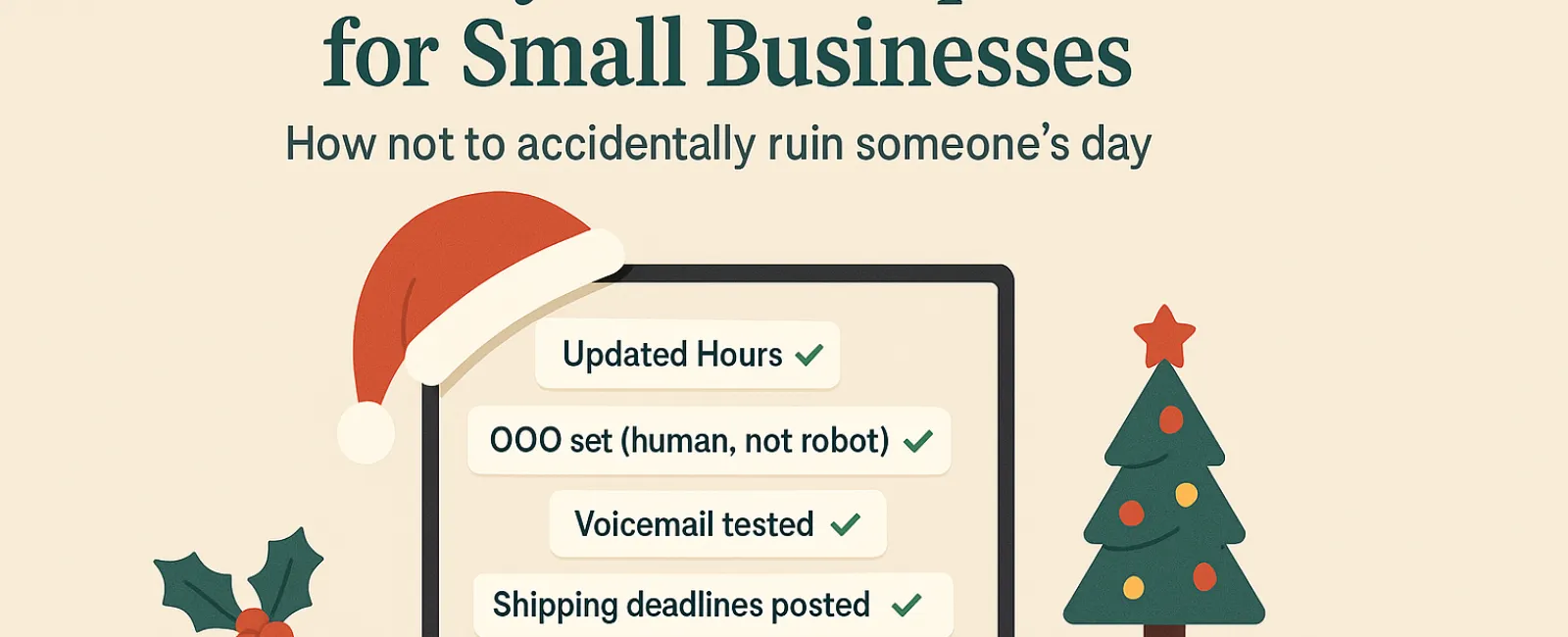
1. Keep Your Online Hours Updated (Before That First Frustrated Call)
Imagine a customer rushing across town on a lunch break only to find your location closed despite what your online hours say. Boom—you've just created a dissatisfied customer.
Make sure to update:
- Your Google Business Profile—the most visible and critical spot
- Your social media platforms like Facebook, Instagram, Yelp where customers search for you
- Your website banner displaying friendly holiday hours
- Apple Maps, because yes, many still rely on it
Example notice: "Happy Holidays! We'll be closed from Thursday, Nov. 28 to Sunday, Dec. 1 to spend time with family. Expect us back Monday morning—likely nursing a turkey-induced hangover but eager to assist!"
2. Craft Warm Out-Of-Office Replies (No More Robotic Messages)
Taking time off? Don't leave customers in email limbo—an auto-reply should feel like a courteous greeter, professional but approachable.
Suggested autoreply: "Thanks for your message! Our office is closed for Thanksgiving from Nov. 28 to Dec. 1. We'll reply as soon as we're back and fully recharged. For urgent matters, please call (XXX) XXX-XXXX. Warmest holiday wishes!"
3. Avoid Oversharing in Your Auto-Reply (Keep It Professional)
Stick to the essentials—no need to mention Aunt Carol's visit, Cancun trips, or Bob's Friendsgiving plans. Oversharing clutters communication and risks privacy.
Stick to closing dates, expected reply times, and emergency contact info. Save personal anecdotes for your social media posts.
4. Test Your Phone System in Advance (Avoid Customer Frustration)
Holiday callers are often rushed and stressed. Ensure your voicemail matches your current hours and directs callers appropriately.
Pro tip: Give your own number a test call. Many companies still have outdated greetings from years ago.
Example voicemail: "You've reached [Business Name]. Our office is currently closed for the holiday weekend. Please leave a message and we will return your call Monday morning. For urgent assistance, press 1 to reach our on-call support. Happy Holidays and thank you for your patience!"
5. Clearly Communicate Shipping Deadlines (Prevent Last-Minute Panic)
If you ship products, make sure your "order by" deadlines are prominent online and send reminders to customers.
Delayed deliveries cause frustration; missed expectations can damage trust. Don't let anyone have to explain a late anniversary gift.
The Takeaway: Good Etiquette Builds Happy Customers and Strong Business
Holiday tech etiquette is simple: set clear expectations, communicate personally, and respect customer time. A few thoughtful updates go a long way to prevent frustration and keep your reputation shining bright.
Remember, the goal isn't merely to avoid problems—it's to make customers feel valued and supported, even when you're away.
Need help ensuring your systems and customer experience stay seamless this holiday season? Call us at 858-202-0304 or click here to schedule your free 15-Minute Discovery Call. Let's explore simple solutions to keep your operations smooth—and enjoy some well-earned downtime.