While many start their spring cleaning in closets, most businesses face clutter in less obvious places than coat racks.
That clutter often lives not just on a server rack, but tucked away in storage rooms, back offices, or boxed up under "deal with later" piles.
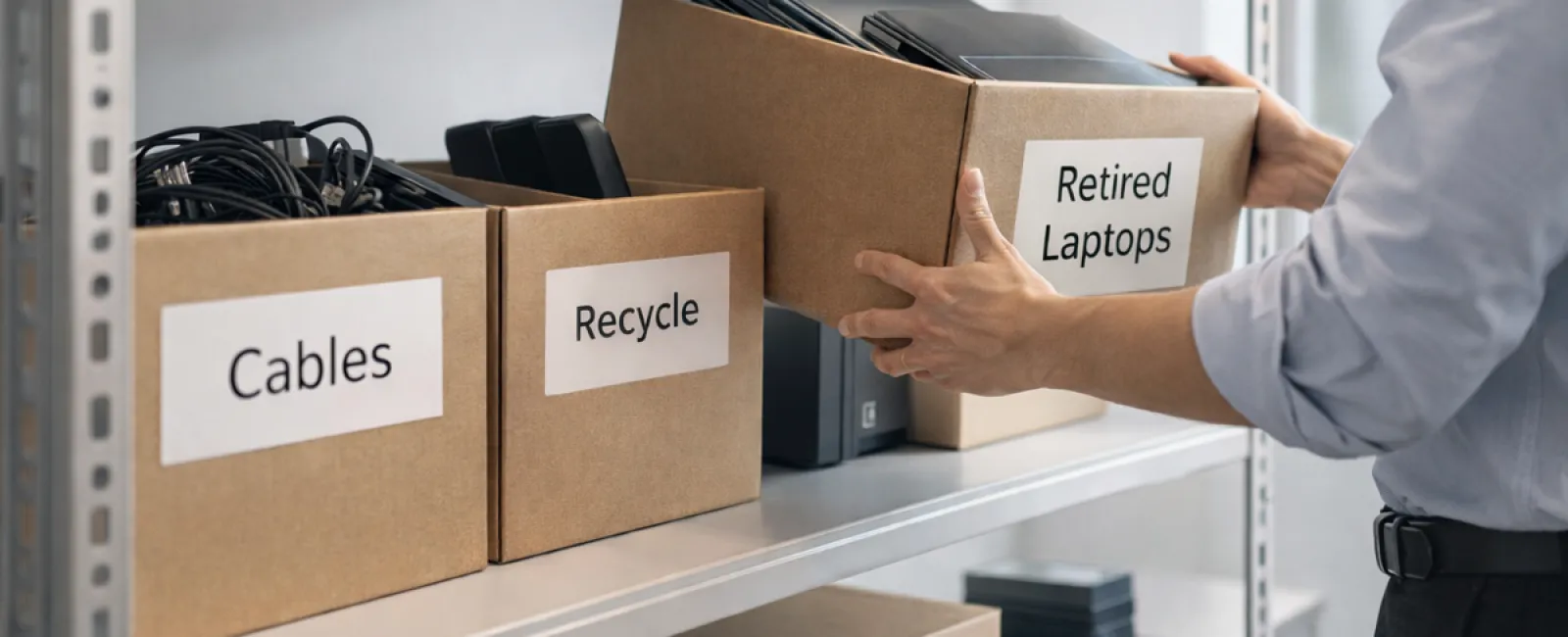
Old laptops, retired printers, obsolete backup drives from past upgrades, and piles of cables saved "just in case" are typical examples.
This accumulation is part of every business.
The real question: Do you have a strategy for managing this tech once its time has passed?
Technology Lifecycle Extends Beyond Purchase Dates
When you invest in new technology, there's usually a clear driver: enhanced speed, improved security, expanded capabilities, or scalability.
While most companies plan their technology acquisitions carefully, few establish solid retirement plans.
Retirement of hardware often happens behind the scenes—devices get replaced, set aside, and eventually someone clears them out.
That's the norm.
What's uncommon is approaching tech retirement with the same care as its purchase.
Old equipment still holds value, whether for reuse, recycling, or securely managing sensitive data. When left unattended, it drains space and resources.
Spring is an ideal moment to decide: Which devices still serve you, and which are simply occupying space?
A Clear Approach to Organizing Your Outdated Tech
Ready to move beyond vague intentions and take action? Follow our straightforward four-step guide.
Step 1: Conduct an Inventory
Identify exactly what you're retiring—be it laptops, phones, printers, network devices, or external drives. You can't manage what you haven't accounted for. A thorough walkthrough often uncovers more than expected.
Step 2: Determine the Next Step
Each device generally fits into one of these categories: reuse (internal or donation), recycle (through certified e-waste programs), or destroy (for data-sensitive equipment). The essential part is choosing intentionally, avoiding indefinite storage.
Step 3: Prepare Devices Carefully
Discipline here pays off.
For reuse or donation, remove devices from management systems, revoke user access, and perform thorough data wiping—not just a factory reset. Deleting files or quick formatting doesn't erase data, it only hides it from view.
Blancco's data security study found that 42% of resold drives on eBay still contained sensitive info despite sellers claiming proper wipes. Certified data erasure tools overwrite every sector and provide verification reports.
For recycling, use certified e-waste providers rather than dumpsters or curbside collection. Note that programs like Best Buy's recycling are for residents only—not businesses.
Commercial gear requires IT asset disposition (ITAD) services or business e-waste recyclers with e-Stewards or R2 certifications. Your IT provider can often coordinate this process.
For destruction, choose certified wiping or physical destruction like shredding or degaussing, keeping detailed records of serial numbers, methods, dates, and handlers.
This attention isn't paranoia—it's responsible completion of the cycle.
Step 4: Document and Proceed
When devices leave your premises, track where they went, how they were processed, and ensure access removal. Document all details to eliminate any uncertainties.
Devices Often Overlooked in Cleanup
Laptops get attention, but other devices are easy to forget.
Phones and tablets can still hold email access, contacts, and authentication apps. While a factory reset clears most data, certified mobile wiping tools provide stronger security. Plus, major brands like Apple and Samsung offer trade-in programs, even for older gear—potentially lowering costs for new purchases.
Modern printers and copiers often have internal hard drives storing every printed, scanned, or faxed document. When returning leased machines, get written confirmation that the hard drive will be wiped or removed before redeployment.
Batteries are classified as hazardous waste by the EPA. Several states, like California and New York, prohibit businesses from disposing of rechargeable batteries in regular trash. Remove batteries when feasible, tape terminals to prevent shorts, and use certified drop-off sites. Call2Recycle.org provides location maps, and many stores like Staples and Home Depot accept rechargeable batteries.
External drives and retired servers often linger forgotten in closets but require the same retirement policies as other devices.
Responsibly Recycling Electronics
April often reminds us of Earth Day, highlighting environmental responsibility.
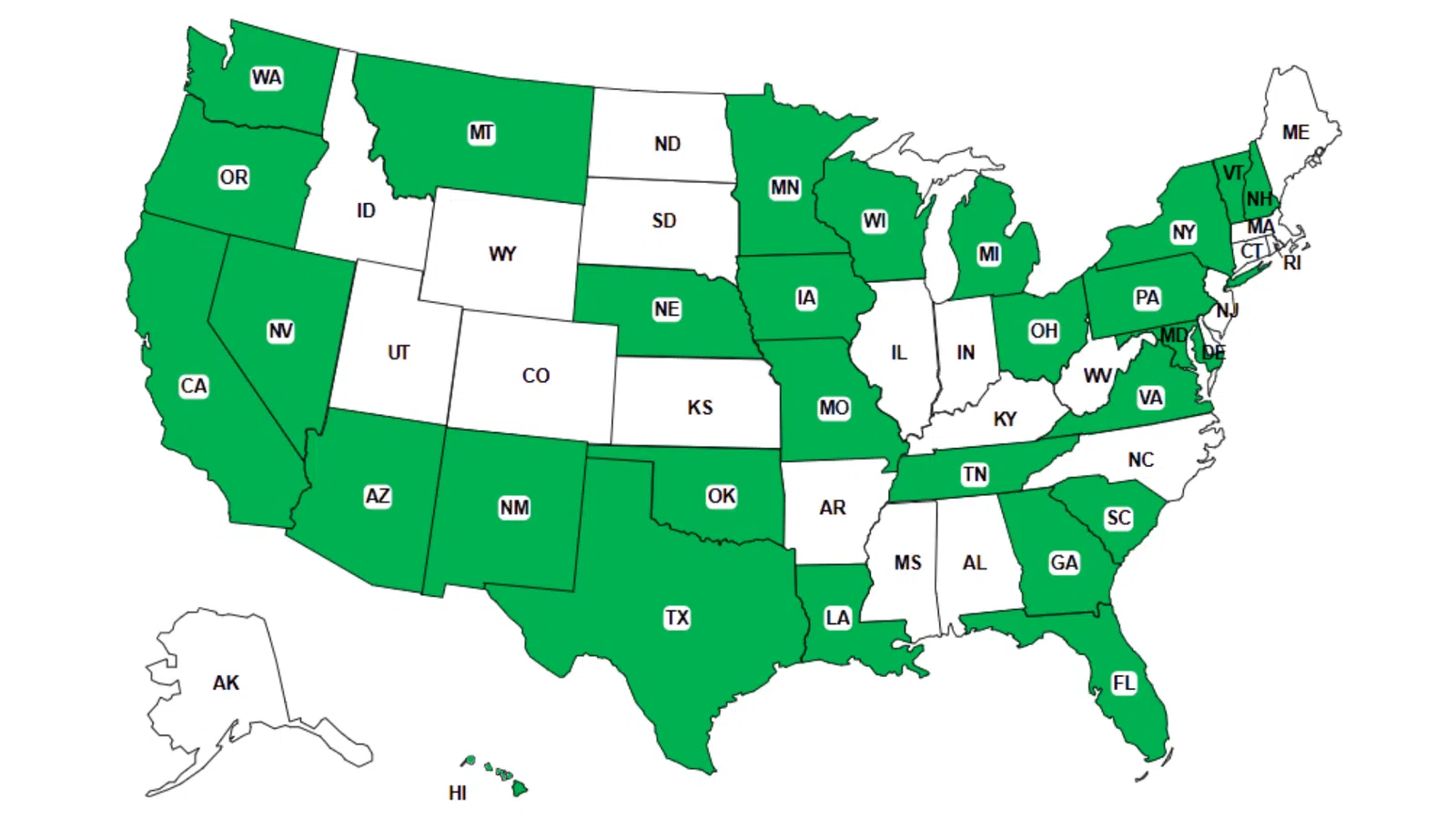
Electronics should never end up in landfills. Global e-waste tops 62 million metric tons annually, and just 22% is properly recycled. Batteries, monitors, and circuit boards must enter correct recycling streams, which most communities facilitate through certified e-waste programs.
Handled properly, retiring technology is both operationally efficient and eco-friendly. You don't have to choose between security and responsibility—you can achieve both.
Additionally, demonstrating this care on social media subtly builds customer trust by showing your company's commitment to responsible tech management.
Unlock Greater Possibilities
Spring cleaning isn't just about disposal—it's about creating room for growth.
Removing outdated hardware is just one step. Evaluating whether your current technology supports your business goals is even more important.
While devices come and go, software, systems, automation, and process improvements are the real drivers of productivity and profitability.
Proper retirement is housekeeping. Making sure your technology strategy aligns with your objectives keeps you advancing.
Let Us Support Your Tech Journey
If a clear equipment retirement strategy is in place, that's fantastic—it should feel seamless and routine.
However, as you methodically replace old hardware, consider taking a broader look: Are your systems integrated? Do your tools collaborate effectively? Is your technology propelling growth or merely maintaining status quo?
We're ready to discuss how your tech stack, systems, and workflows can enhance productivity and boost profitability.
No pressure, no sales pitch—just solid, practical advice tailored to your business.
Click here or give us a call at 858-202-0304 to schedule your free 15-Minute Discovery Call.
If this inspires you, please share it with fellow business owners.
Let your spring cleaning extend beyond closets to include the vital systems powering your business.