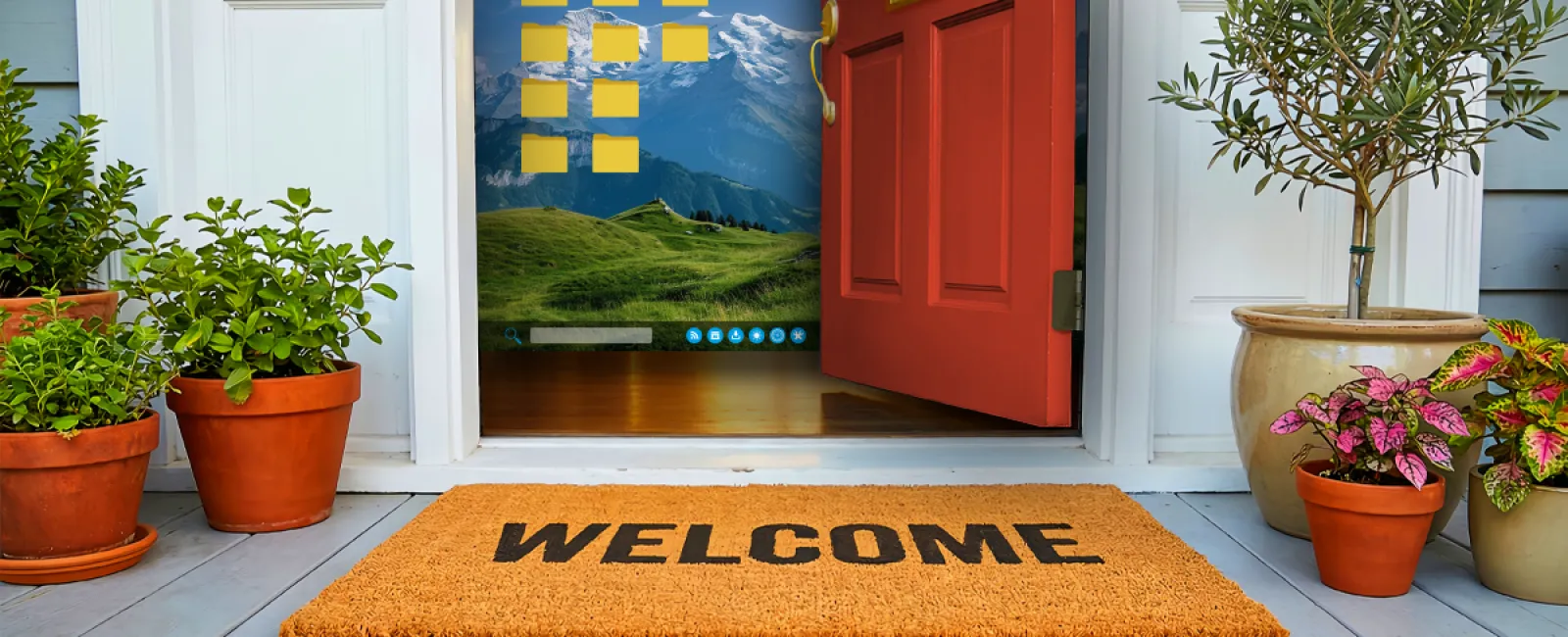
Imagine arriving at a home, sliding up the welcome mat, and finding a key sitting right there underneath it.
It feels easy and familiar — and it is exactly the first place a thief would check.
That is how many organizations handle passwords.
Why password reuse is such a risk
A data breach rarely begins inside your own company. It usually starts somewhere unrelated: a retail site, a meal delivery service, or an account you created years ago and never touched again. Once that business is breached, your email and password can end up in a database for sale on the dark web.
Attackers then move fast. They take those stolen credentials and test them across every service they can find: email, banking, business apps, cloud storage, and more.
One breach. One repeated password. Suddenly, it is not just one account at risk — it is the whole network.
Think of one physical key that opens your house, office, car, and every other lock you have used for years. If it is lost or copied, everything is exposed. Password reuse creates the same danger by turning one login into a master key for your digital life.
A Cybernews review of 19 billion passwords exposed in breaches found that 94% were reused or duplicated across multiple accounts. That is not a minor habit. That is millions of people leaving multiple doors wide open.
This attack method is called credential stuffing. It is not especially clever, but it is highly automated. Software can blast stolen logins across hundreds of sites while you sleep. By the time anyone notices, the breach may already be over.
Security usually does not fail because a password is weak. It fails because the same password is used too many times.
Strong passwords protect one account. Unique passwords protect the business.
Why 'strong enough' is usually not enough
Many business owners believe they are protected if a password has one capital letter, one number, and one symbol. That may have worked in 2006, but the threat environment has changed dramatically.
In 2025, some of the most common passwords were still simple variations of "Password1," "123456," or a sports team name with an exclamation point. If that makes you cringe, you are in good company.
Security used to assume attackers were typing guesses by hand. Today, automated tools can test billions of combinations every second. A password like "P@ssw0rd1" can fall in seconds. A long, random passphrase like "CorrectHorseBatteryStaple" could stand for centuries.
Longer passwords beat complicated ones every time.
Still, that is only part of the solution. Even a strong password is just one layer. One phishing email, one compromised vendor, or one note stuck to a monitor can undermine it instantly. No matter how clever the password is, it remains a single point of failure.
Depending on passwords alone is a security approach that belongs in 2006. Today's threats are far beyond that.
The extra layer that changes everything
If a password is the lock, multi-factor authentication (MFA) is the deadbolt.
The answer is not a fancier password. It is a smarter system. Two practical changes close most of the gap.
A password manager — tools like 1Password, Bitwarden or Dashlane — creates and stores a unique, complex password for every login. Your team does not need to memorize them, which means they are far less likely to reuse them. Your accounting software, email, and client portal each get a different password, and none of them are hiding under the welcome mat.
Multi-factor authentication adds another barrier. It asks for something you know (your password) and something you have, such as a code from Google Authenticator or Microsoft Authenticator, or a push notification on your phone. Even if an attacker steals the password, the account still stays locked.
Neither tool takes an IT specialist to deploy. Both can usually be set up in an afternoon. Together, they stop most credential-based attacks before they can begin.
Good security is not about forcing people to remember impossible passwords. It is about building systems that stay safe when people behave like people.
People will reuse passwords. They will forget to update them. They will click things they should not. Strong systems plan for those mistakes and still protect the business.
Most break-ins do not demand advanced hacking. They only require an unlocked door. Do not leave the key under the mat and make things easier for them.
Maybe your passwords are already in great shape. Maybe your team uses a password manager and MFA is active across every system. If so, you are ahead of many businesses your size.
But if staff are still reusing passwords, or if some accounts only have one layer of protection, that is a discussion worth having before World Password Day turns into World Password Problem Day.
Click here or give us a call at 858-202-0304 to schedule your free 15-Minute Discovery Call.
And if you know a business owner still using the same password they created in 2019, send this to them. Fixing it is simpler than they expect.